Text & conversation
Product copy, knowledge answers, extraction and reasoning. Choose text capabilities that fit each task.
Explore use cases ↗
FlowVision AI Platform
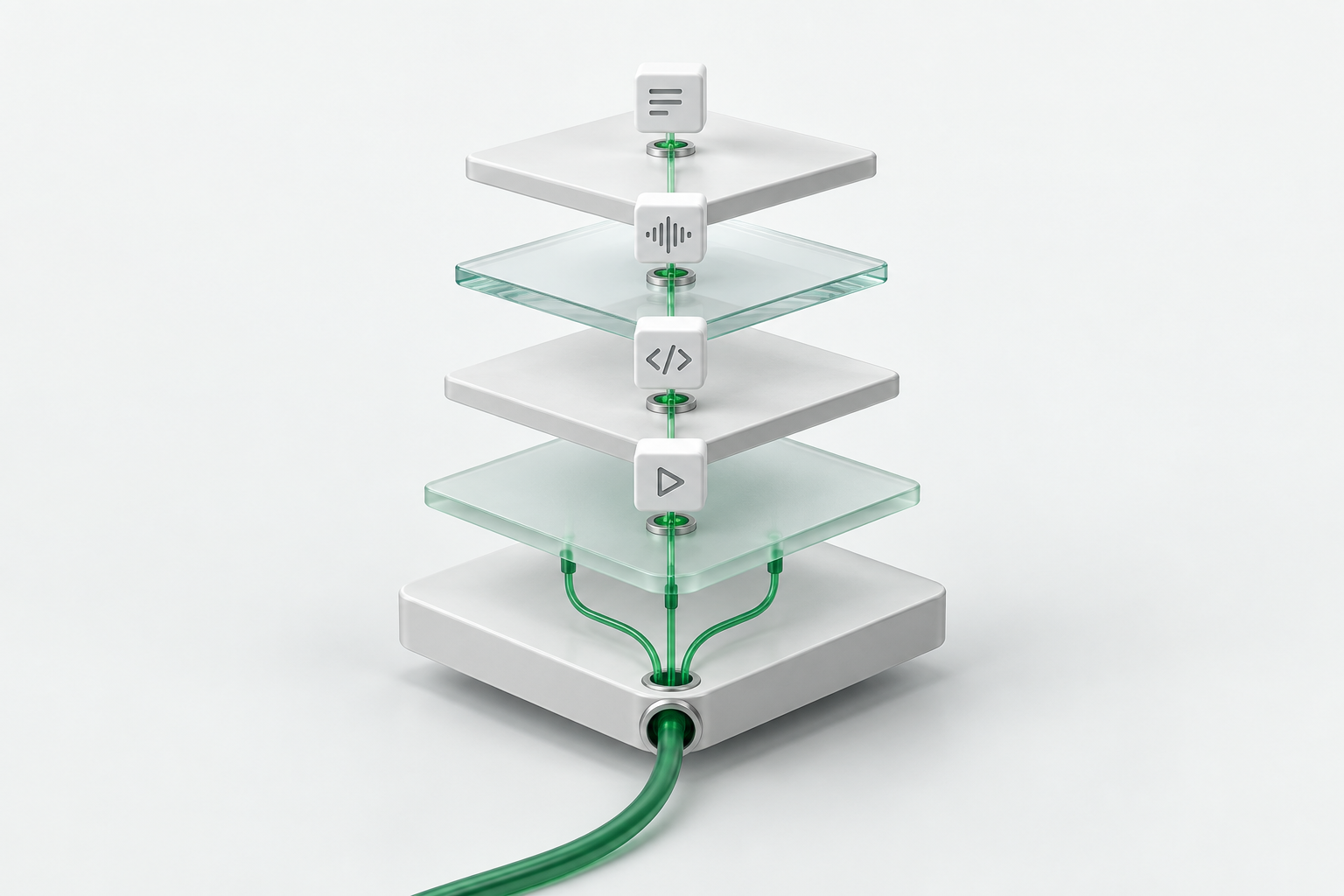
Model access, one gateway, intelligent routing and governance.
One foundation for your business and AI teammates.
Product copy, knowledge answers, extraction and reasoning. Choose text capabilities that fit each task.
Explore use cases ↗Transcribe recordings, create narration and adapt content across languages.
Explore voice use cases ↗Help teams write, explain and review code through compatible development tools.
Meet the engineering assistant ↗Turn creative briefs into scripts and marketing videos for launches, campaigns and brand content.
Explore the content workflow ↗Available models, modalities and interfaces depend on the current platform catalog.
Balance quality, latency and cost. Use smaller models for initial processing and stronger models for complex reasoning. Choose a task to explore.
This illustrates routing logic without making live model calls. Automatic routing, model handoffs and multimodal orchestration require a defined implementation scope.
Connect AI to your store systems, business tools and applications to streamline repetitive work.
From everyday operations to peak demand, from a single store to a multi-client platform.
Handle concentrated product questions during promotions and livestreams.
Retrieve knowledge → Answer routine questions → Escalate complex cases to a stronger model or a person.
Business value: plan peak capacity and provide a clear escalation path.
Requirements: connect your support system and knowledge base; agree capacity for peak traffic.
Adapt product titles, descriptions, narration and videos for different markets.
Product facts → Localized copy → Voice and video assets → Local review.
Business value: reuse product information and reduce repetitive localization work.
Requirements: verified product facts, market requirements, language review and product consistency checks.
Turn supplier information into product drafts for batch launches.
Source material → Attribute extraction → Listing drafts → Human validation.
Business value: move from manual entry to batch review.
Requirements: integrate the product system and review extracted facts and sensitive claims.
Help stores find campaign policies, product information and operating procedures.
Employee question → Authorized knowledge retrieval → Sourced answer → Escalation.
Business value: shared knowledge with department access boundaries.
Requirements: a knowledge base and application-level access controls. The gateway does not replace document permissions.
Manage models, client budgets and peak workloads across multiple merchants.
SaaS request → Unified gateway → Model selection → Per-app usage tracking.
Business value: reduce repeated integrations and define capacity and cost boundaries.
Requirements: integrate your account and tenant systems; confirm compatibility and service scope.
Test different messages, channels and audiences for the same product.
Creative brief → Copy and script variants → Voice and video → Review and campaign feedback.
Business value: create a repeatable workflow for creative testing.
Requirements: application orchestration, asset rights and final review. Agree throughput using asynchronous-task metrics.
Move from model access to defined business tasks. Each assistant has a clear role, authorized knowledge, tools and review boundaries, supported by FlowVision L1–L4 and capacity planning.
The API platform supplies model capabilities. AI teammates also need application workflows, system integrations and approval steps. Assemble them around each role.
Start tasks in existing tools and connect only the knowledge, files and data the role is allowed to use.
Collaboration · ERP · CRM · Knowledge baseDefine responsibilities, orchestrate tasks, invoke tools and record actions. Route consequential steps for human review.
Workflows · Tools · Review & audit trailL1 model access, L2 unified gateway, L3 routing and L4 governance provide shared model services across departments.
QPS capacity assurance · 99%+ availabilityChoose frequent tasks with complete inputs and verifiable outputs. Validate assisted delivery before expanding access and usage.
Each role receives only necessary, authorized information. Department owners approve outputs before handoff. Finance reconciles settlements and leadership reviews business feedback.
These are implementation concepts, not a claim that the console includes ready-made assistants. Integrations, application development, access controls and delivery scope are agreed per project; capacity and availability follow the enterprise service agreement.
Quotas define how much you can use. QPS capacity defines how many requests can be handled at peak times. FlowVision combines capacity planning with L1–L4 capabilities.
Service availability assurance
Covered models, service scope and measurement methods are defined in your agreement.
Agree request capacity for your workload. Define normal and peak demand before launch, alongside your usage budget.
Assess promotions, bulk listings and concurrent applications by model and task type.
Support for 99%+ availability, with monitoring scope, measurement periods, incident handling and responsibilities defined in the service agreement.
L1 supplies models, L2 connects applications, L3 routes tasks and L4 manages keys and budgets. Agreed QPS capacity supports concentrated demand.
QPS, concurrent tasks, token throughput and response latency are separate metrics. Commitments depend on the model, workload and agreement. Video and other asynchronous tasks also need submission-rate, execution-concurrency and completion-time targets. Availability does not guarantee content accuracy or business results.
Define who can use which models, how much they can spend and where access begins and ends.
Set access boundaries by role and business team.
Assign keys and budgets per application to reduce credential sharing and uncontrolled spend.
Track model calls and expenses to evaluate business investment.
Adapt providers behind the gateway to reduce repeated integrations.
Bring a real task, sample inputs and a clear objective.
Start with model access and build the AI service your business needs.
Set quality, response-time and budget targets for a specific task.
Get a key, choose an available model and test it in your application.
Assess QPS and throughput, agree availability targets, and configure routing and governance.
Credits cover total consumption; QPS covers requests per second. Campaigns, batch work and concurrent apps can hit rate or concurrency limits while credits remain. Agree normal, peak and excess-demand handling for your models and workloads. FlowVision offers capacity plans tailored to those needs.
Enterprise service availability. The exact percentage, covered interfaces and models, measurement period, incident definitions, exclusions and responsibilities follow your agreement. Throughput, model latency and output quality are specified separately.
FlowVision is primarily a model API platform. Integration usually requires developers, a service provider or tools supporting custom APIs. Product content and support use cases also need an application layer and business data. Check the console for current features.
Within supported protocols and adapted capabilities, changing model or routing settings can reduce code changes. Modalities, model-specific parameters, asynchronous tasks and output quality still differ and require validation. The gateway aims to minimize migration costs.
This page presents four platform layers and implementation concepts. Model availability, interfaces and console features depend on the actual service. Intelligent routing, department governance and business-system integrations require an agreed configuration and delivery scope.